
Calibration software & solutions
Calibration certificates, from intake to issue.
TheLogiSynQ integrates the technical, quality, and financial aspects of an instrumentation laboratory into a single application—encompassing uncertainty budgets, acceptance criteria, reference equipment, client management, invoicing, and the certificates themselves—all in full compliance with the ISO 17025 standard.
- Windows 10 & 11
- Android 12 or later
- Works offline
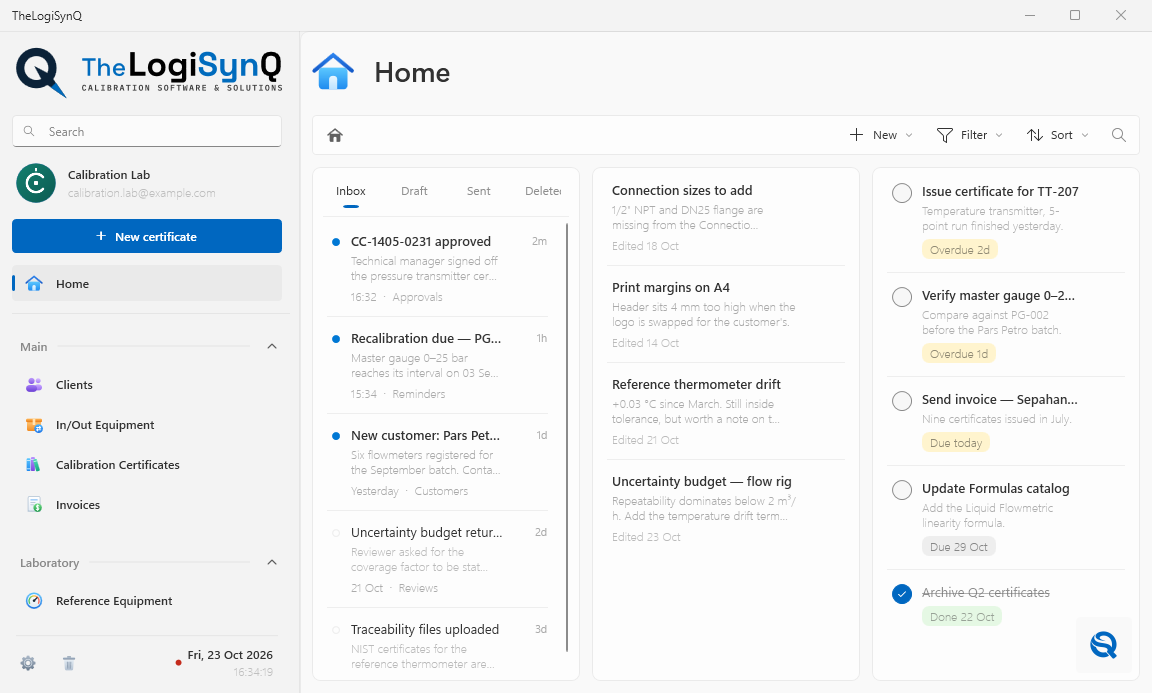
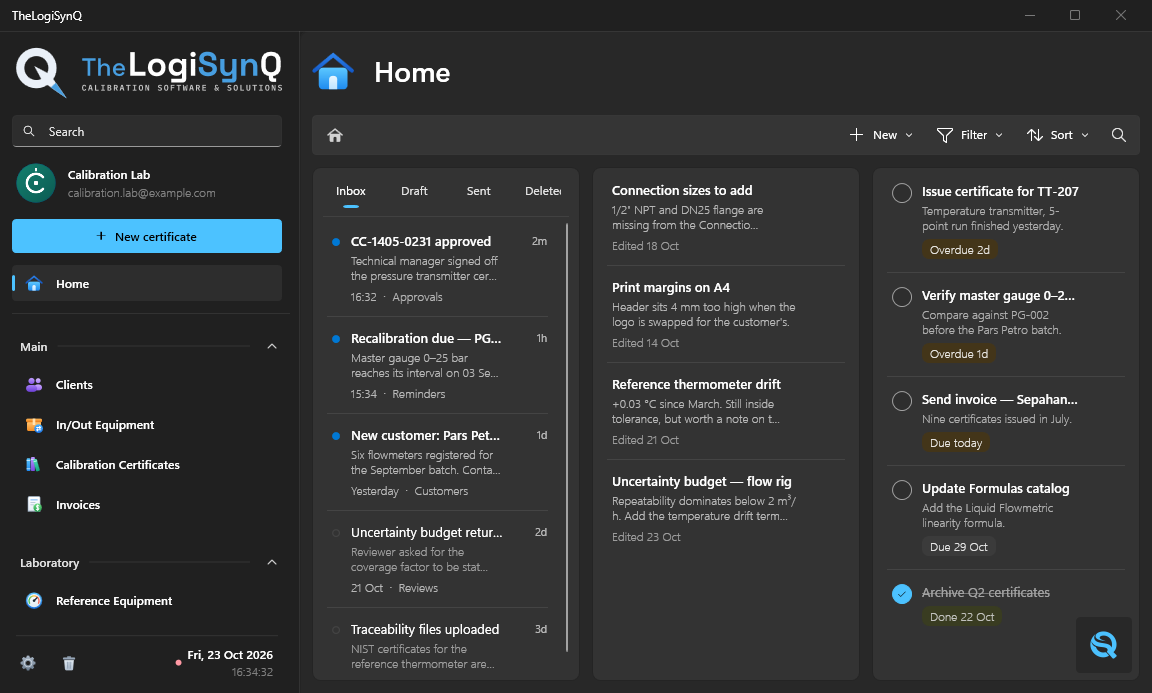
Unfolded · large-screen layout
Tap the phone to fold it
Across industries
Wherever measurements matter.
Wherever an instrument keeps a process running, TheLogiSynQ keeps its calibration under control. One application, from the production floor to the reference lab.

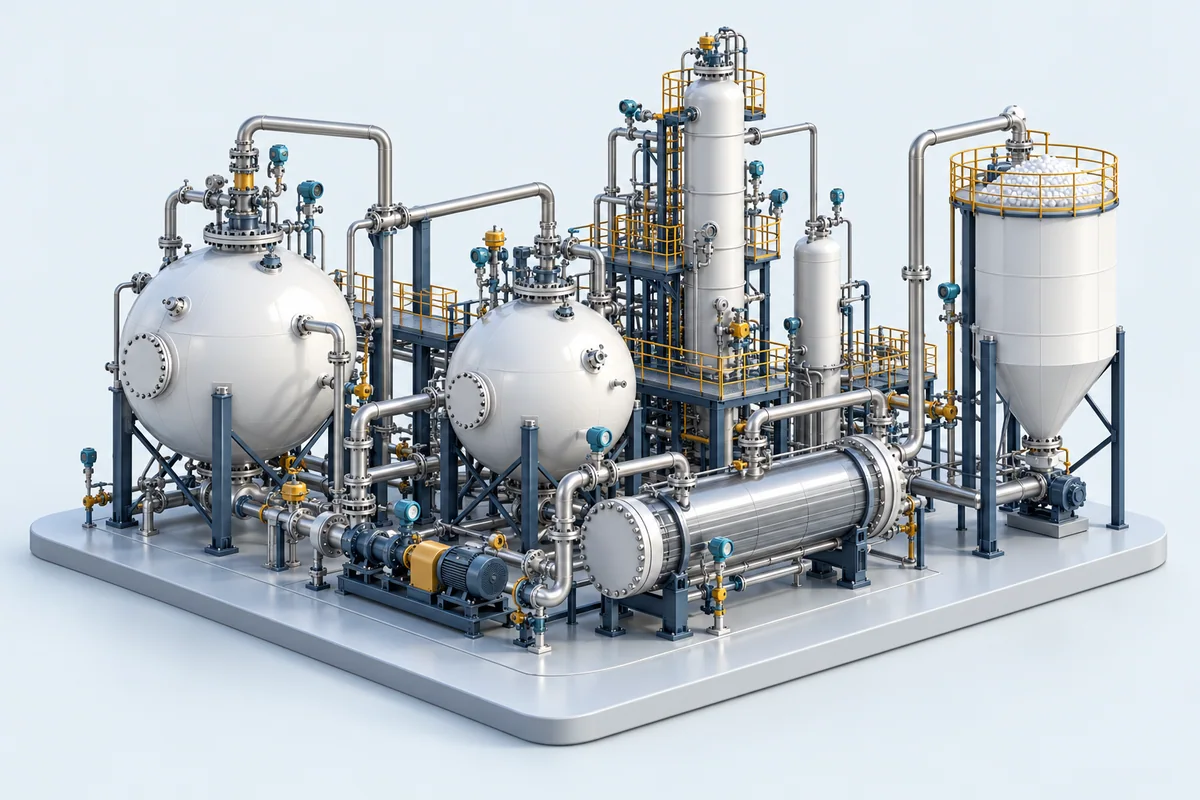
Energy & process
Refineries
Keep pressure, temperature and flow instruments on a traceable calibration schedule, from process units to the maintenance workshop.
Pressure · temperature · flow
Energy & process
Petrochemicals
Bring calibration records for reactors, process lines and utilities together, with instrument histories ready for the next shutdown.
Transmitters · gauges · sensors

Energy & process
Power generation
Keep the measurements behind turbines, boilers and plant utilities connected to their reference equipment, results and certificates.
Temperature · pressure · electrical
Production & quality
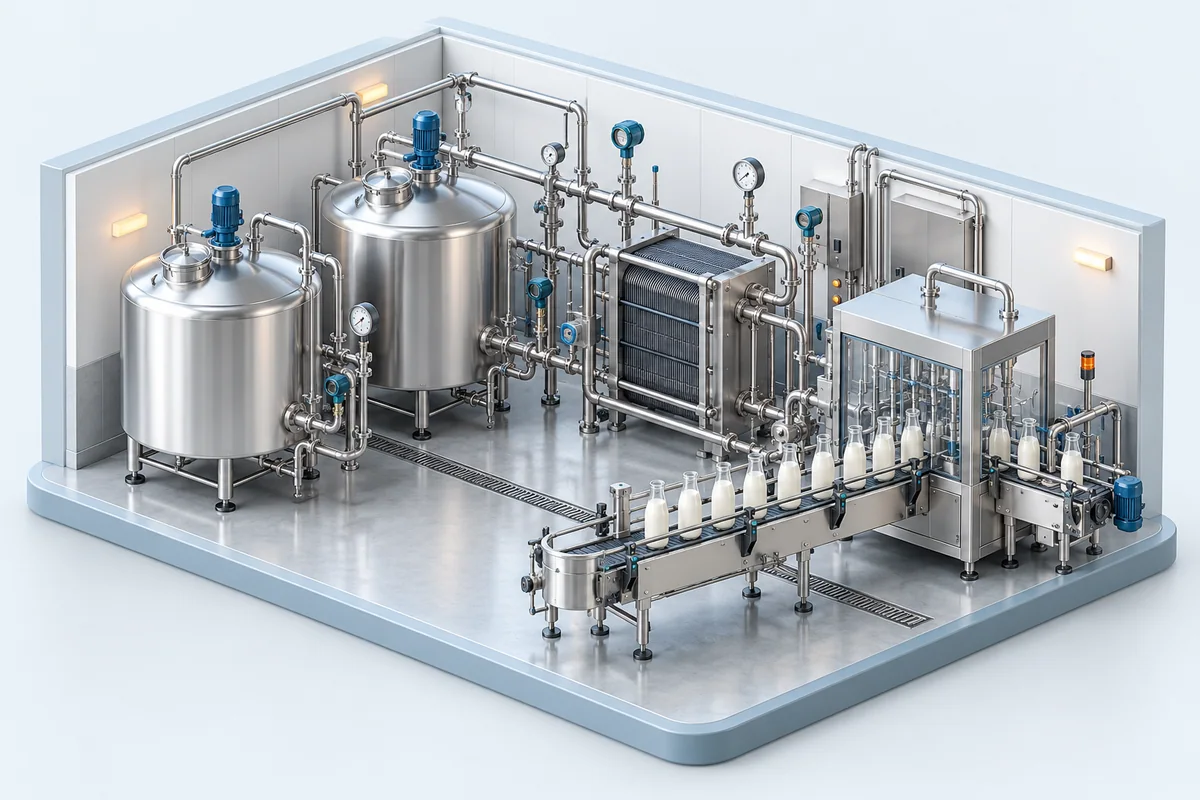
Food & beverage
From pasteurization to cold storage, keep the calibration of production and quality-control instruments documented and easy to follow.
Temperature · mass · humidity
Production & quality
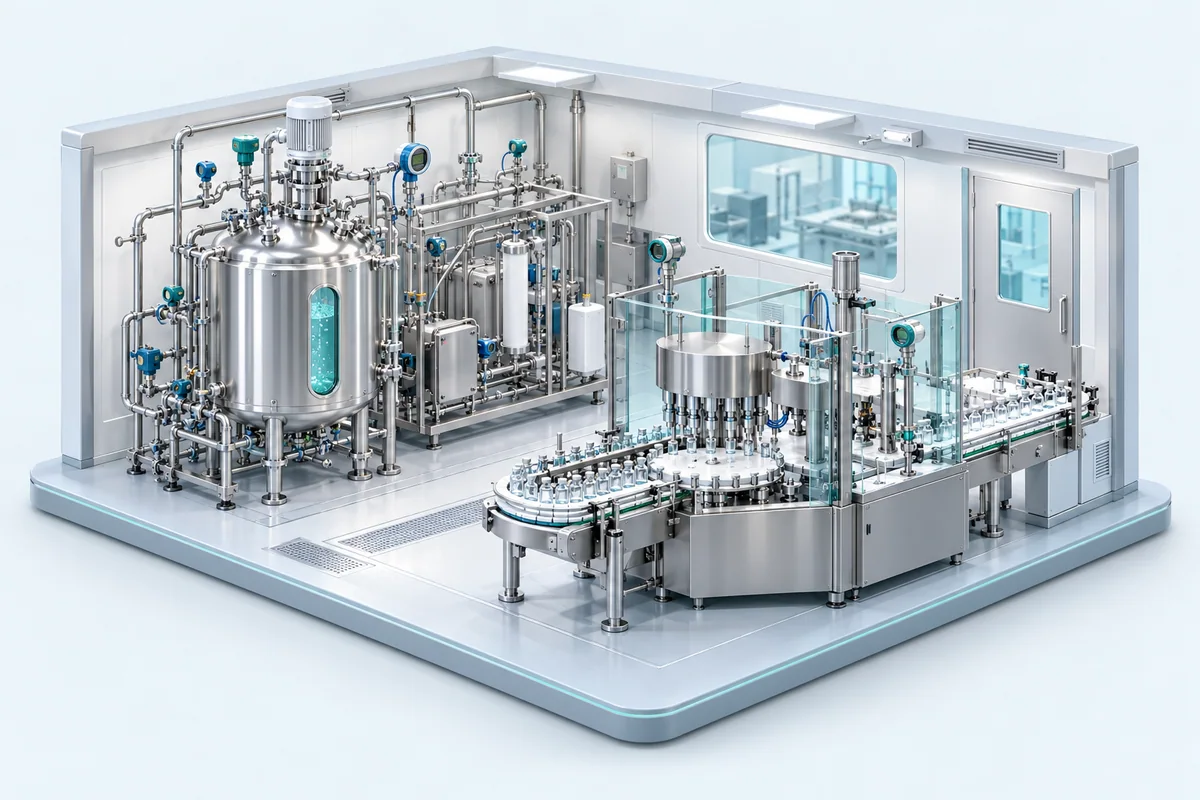
Pharmaceuticals
Organize calibration evidence for cleanrooms, production equipment and laboratory instruments, with clear records for quality reviews.
Pressure · temperature · humidity
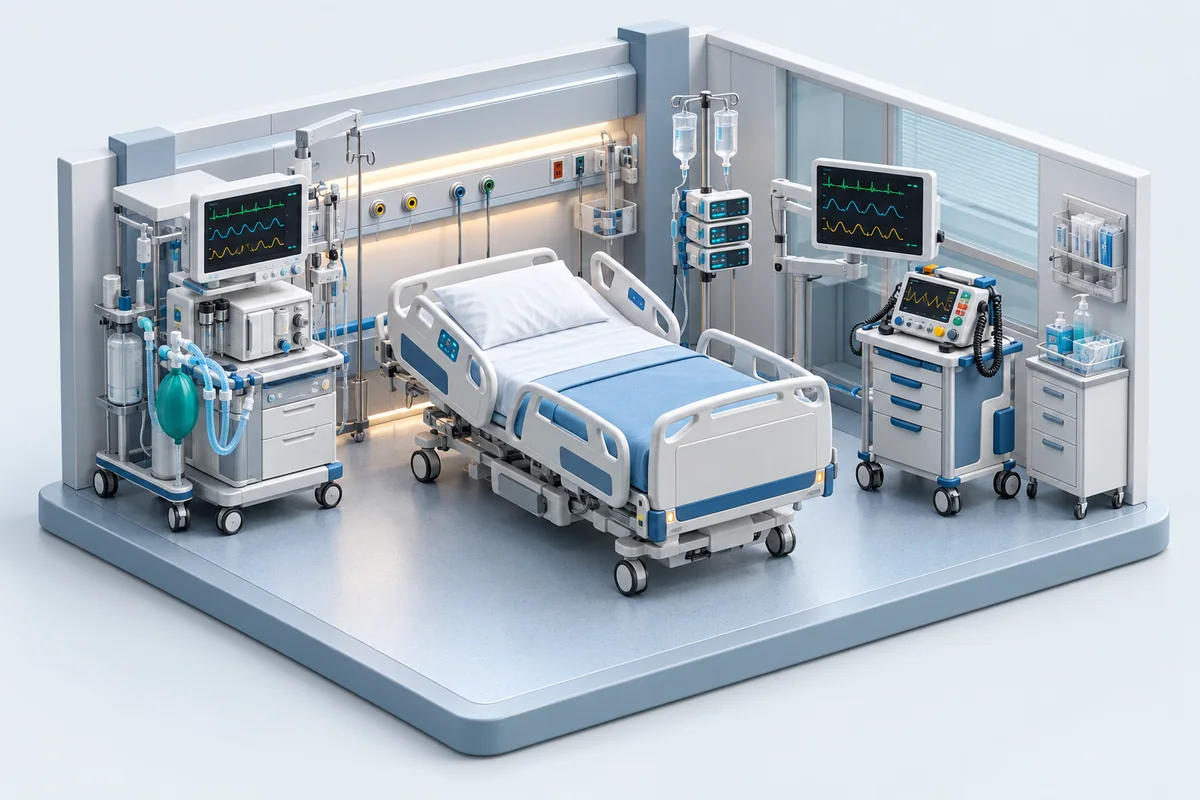
Healthcare & measurement
Hospital equipment
Organize calibration records for the measurement instruments behind hospital equipment, utilities and biomedical workshops.
Electrical · pressure · temperature
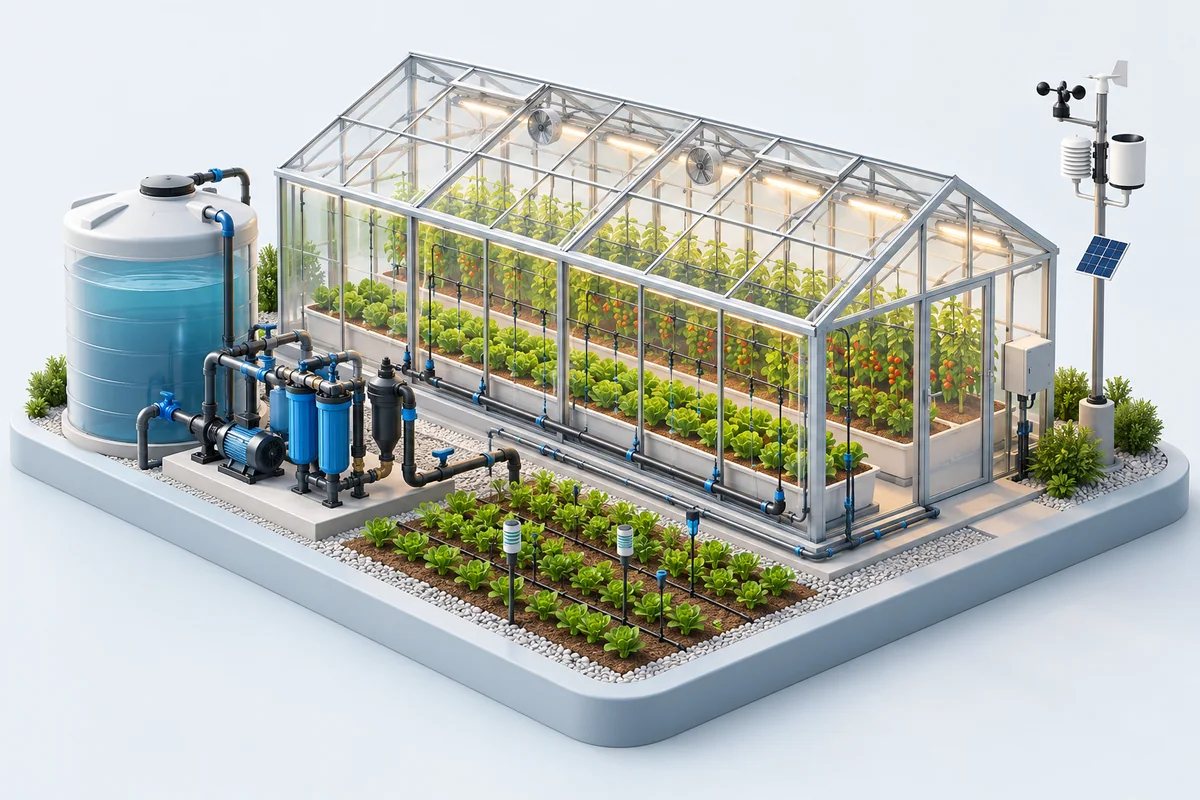
Resources & environment
Agriculture
Support controlled growing, irrigation and storage with organized calibration records for the instruments that monitor every condition.
Humidity · temperature · flow
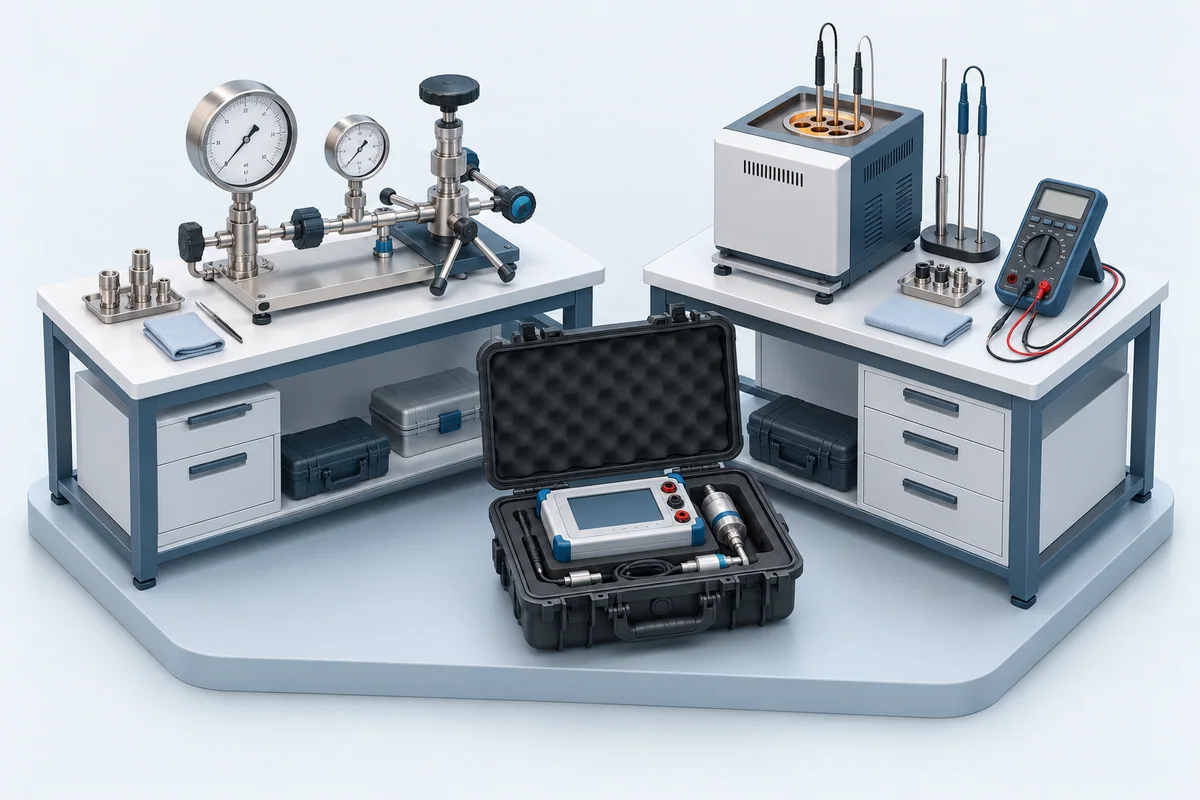
Traceability & collaboration
Partner calibration labs
Bring travelling standards, comparison results and calibration certificates together for interlaboratory comparisons and peer audits.
Interlaboratory comparisons · audits
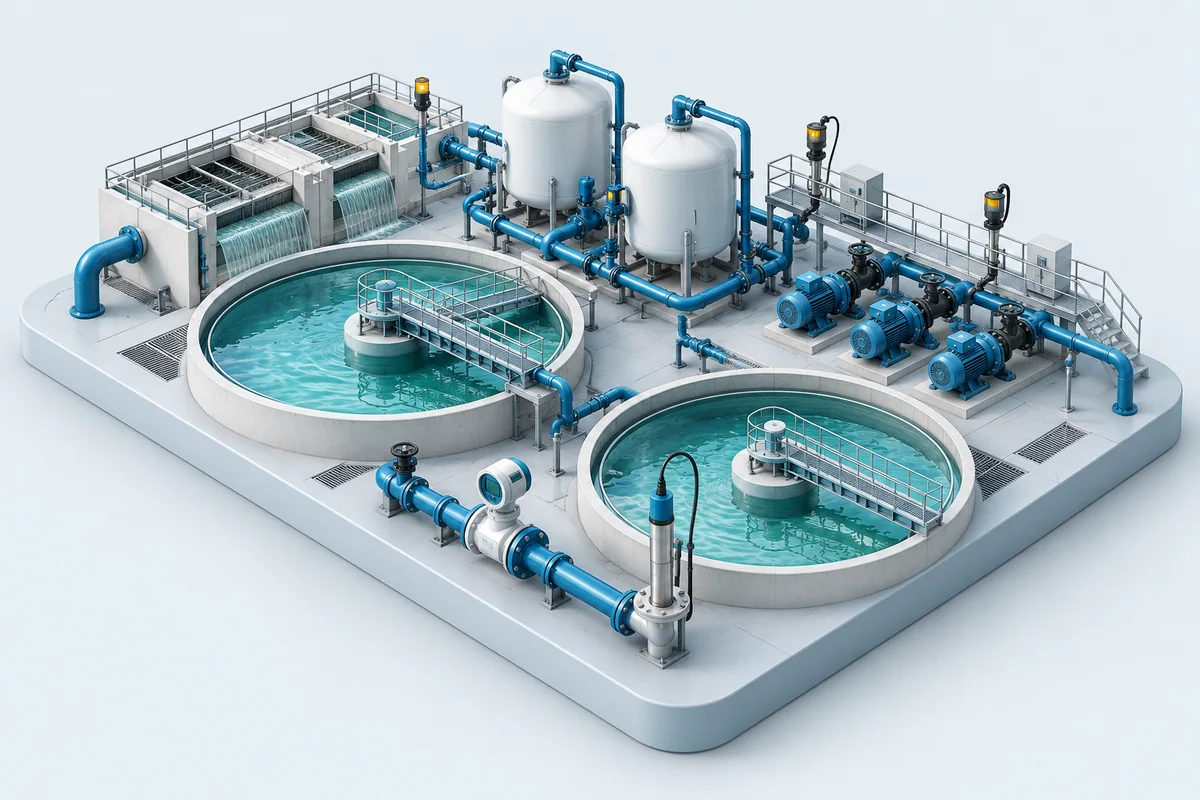
Resources & environment
Water & wastewater
Keep calibration histories for treatment plants and distribution networks together, from water-quality measurements to pumping stations.
Flow · pressure · chemistry
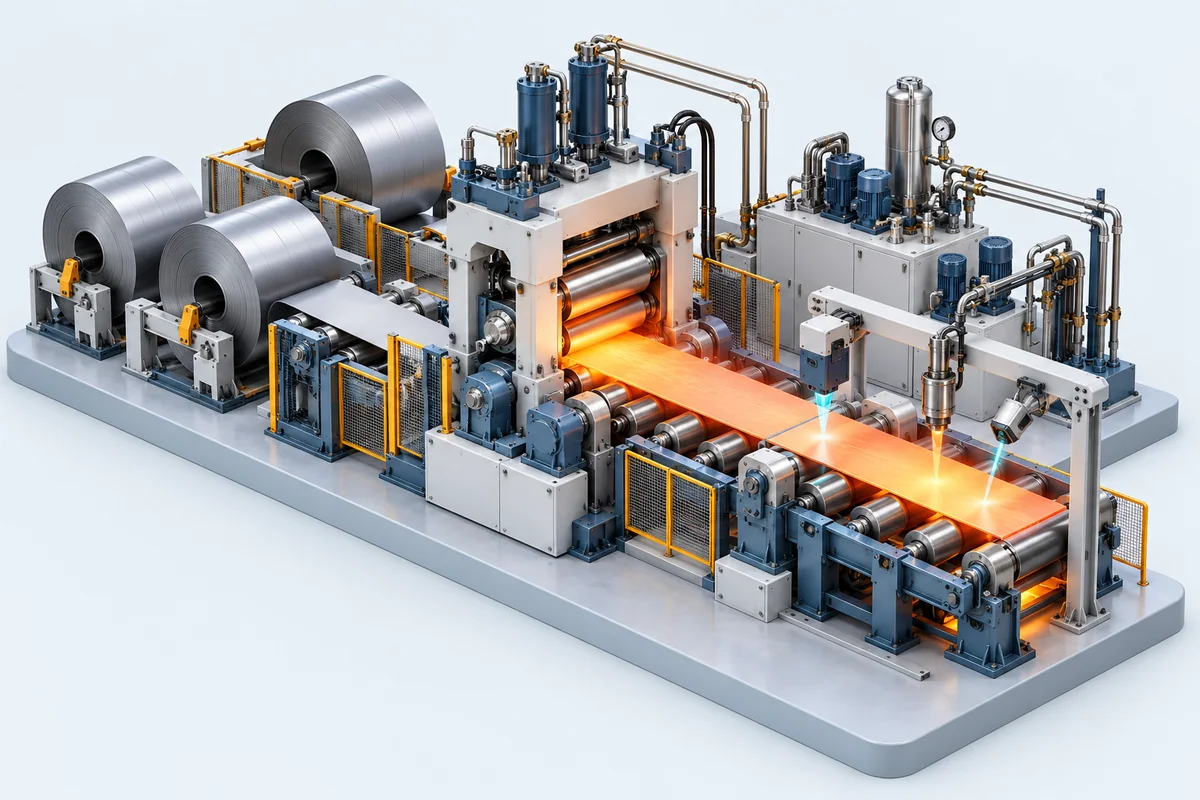
Production & quality
Steel & manufacturing
Connect shop-floor measurements to calibration records across production lines, inspection stations and maintenance teams.
Dimension · force · temperature
01/10
One instrument through the lab, every section in step
Step 1 of 6
Equipment intake
An instrument arriving at the instrumentation calibration lab is registered: its In/Out list is the receipt.
Certificates
Everything a calibration certificate needs
Every quantity a calibration lab works in
16quantities
101instruments
- Barometer
- Differential Pressure Gauge
- Differential Pressure Transmitter
- Liquid Column Manometer
- Oil Dead-Weight Tester
- Pneumatic Dead-Weight Tester
- Pressure Gauge
- Pressure Relief Valve
- Pressure Safety Valve
- Pressure Switch
- Pressure Transmitter
Uncertainty to international standards
The uncertainty budgets of the app are built on 77 standards and guides.
- JCGM
- JCGM 100 (GUM) JCGM 200 (VIM)
- EA · EURAMET
- EA-4/02 EA-10/08 EA-10/13 EA-10/15 EA-10/17 EA-10/18 EURAMET cg-3
- DKD
- DKD-R 5-7 DKD-R 6-1
- ISO
- ISO 376 385 386 648 651 653 654 656 835 1042 1770 3611 3650 4126-1 4185 4787 5168 6789 7500-1 8222 8316 10360 16664 ISO/TR 20461
- IEC
- IEC 60584-1 584-2 584-3 60751 60381-1 60068-3-5 60068-3-6 60068-3-7 60079-29-0 315-1
- OIML
- OIML R 18 R 48 R 56 R 68 R 76-1 R 84 R 97 R 101 R 109 R 110 R 111 R 117 R 121 R 133
- ASTM
- ASTM D1125 E70 E74 E542 E617 E898 E1272 E1292
- API MPMS
- Chapters 4 4.6 11.1 11.2 11.4.1 12.2 13 14
- NIST · UKAS
- NIST Monograph 175 UKAS LAB 14
A wide range of decision rules
16 decision rules and acceptance criteria, each with its statement and its calculation method.
- Basic
- By Error By Uncertainty (U ≤ ⅓ MPE)
- Direct
- Simple Acceptance Guarded Acceptance (w = U) Non-binary (ILAC-G8) Relaxed Acceptance (w = U) RSS Guard Band TUR Guard Band (Z540.3 M6) Conformance Probability ≥ 95 % Conformance Probability ≥ 98 % (PFA ≤ 2 %)
- Indirect
- TUR ≥ 4:1 TAR ≥ 4:1 Capability Index Cm ≥ 4 N:1 Rule (3:1) N:1 Rule (4:1) N:1 Rule (10:1)
- Based on
- ISO/IEC 17025 ILAC-G8 JCGM 106 ISO 14253-1 ASME B89.7.3.1 ANSI/NCSL Z540.3 ANSI/NCSL Z540-1 EURACHEM/CITAC OIML G 19
Linear and non-linear interpolation and extrapolation
The reference value at any test point is read from the reference's calibration table.
- Linear
- Two-point linear interpolation
- Non-linear
- Shape-preserving PCHIP interpolation (piecewise cubic Hermite, Fritsch–Butland)
- Extrapolation
- Endpoint-tangent extrapolation
- Flow
- API MPMS Chapter 4.6 pulse interpolation
Build your own uncertainty formula
Create the uncertainty formula your calibration needs. Define the input parameters, probability distributions and sensitivity coefficients yourself, and see your model take shape as you build it.
Choose each contribution
Define how each input varies
Set each input's influence
Example model for uncorrelated inputs
Certificates and documents, one scan away
Scan the QR code to open the certificate and related documents, wherever the work takes you. From the calibration lab to the instrument in the field, your records stay within reach across every site.
Your documents, wherever you work
- In the calibration lab
- At the instrument
- Across all your sites
The sections of TheLogiSynQ
In/Out Equipment
Each In/Out list records the client, the receipt date and the estimated delivery, and every instrument with its serial, tag, state and purpose. The list page shows when it was received, delivered and whether it has been returned.
Engineering
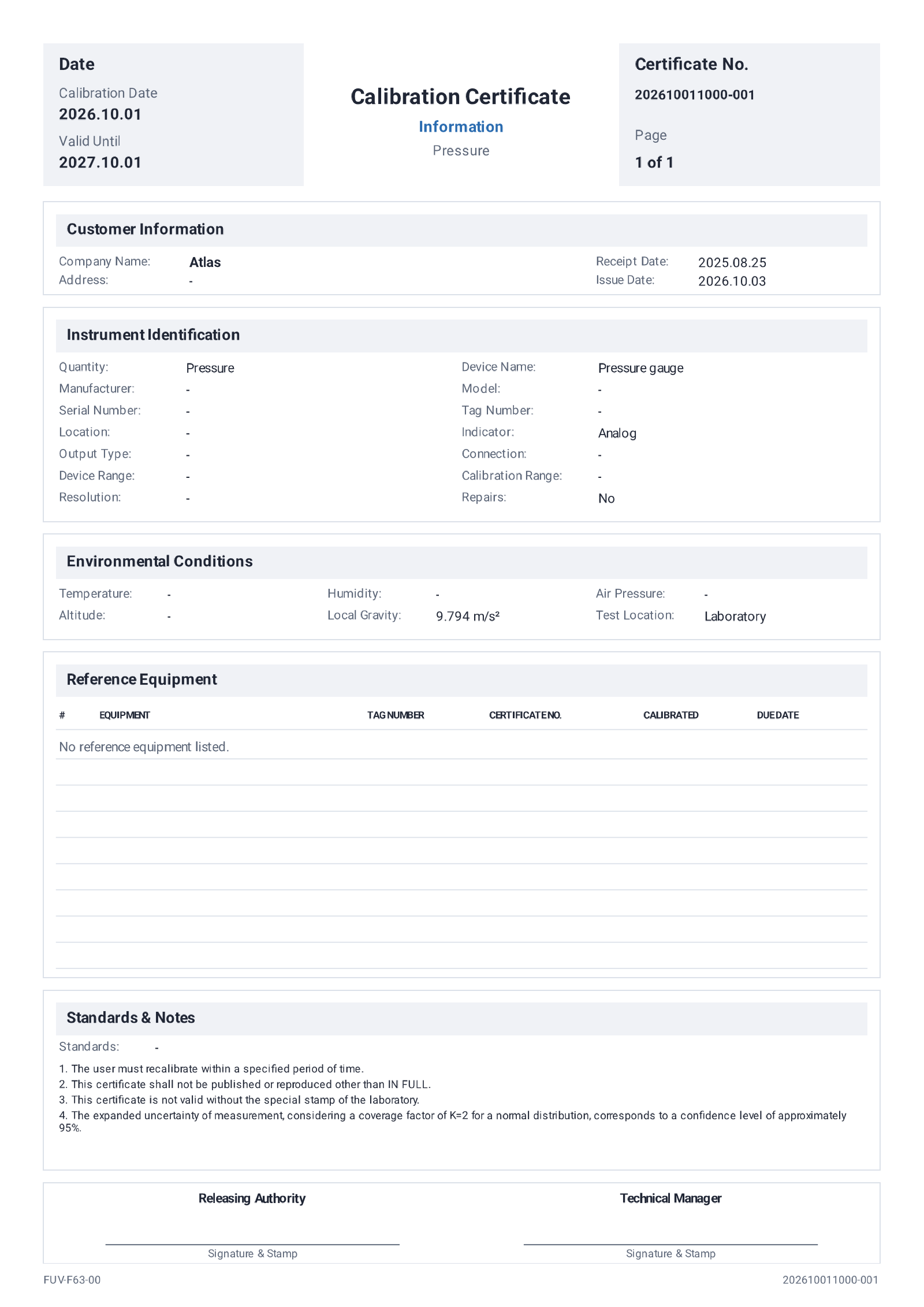
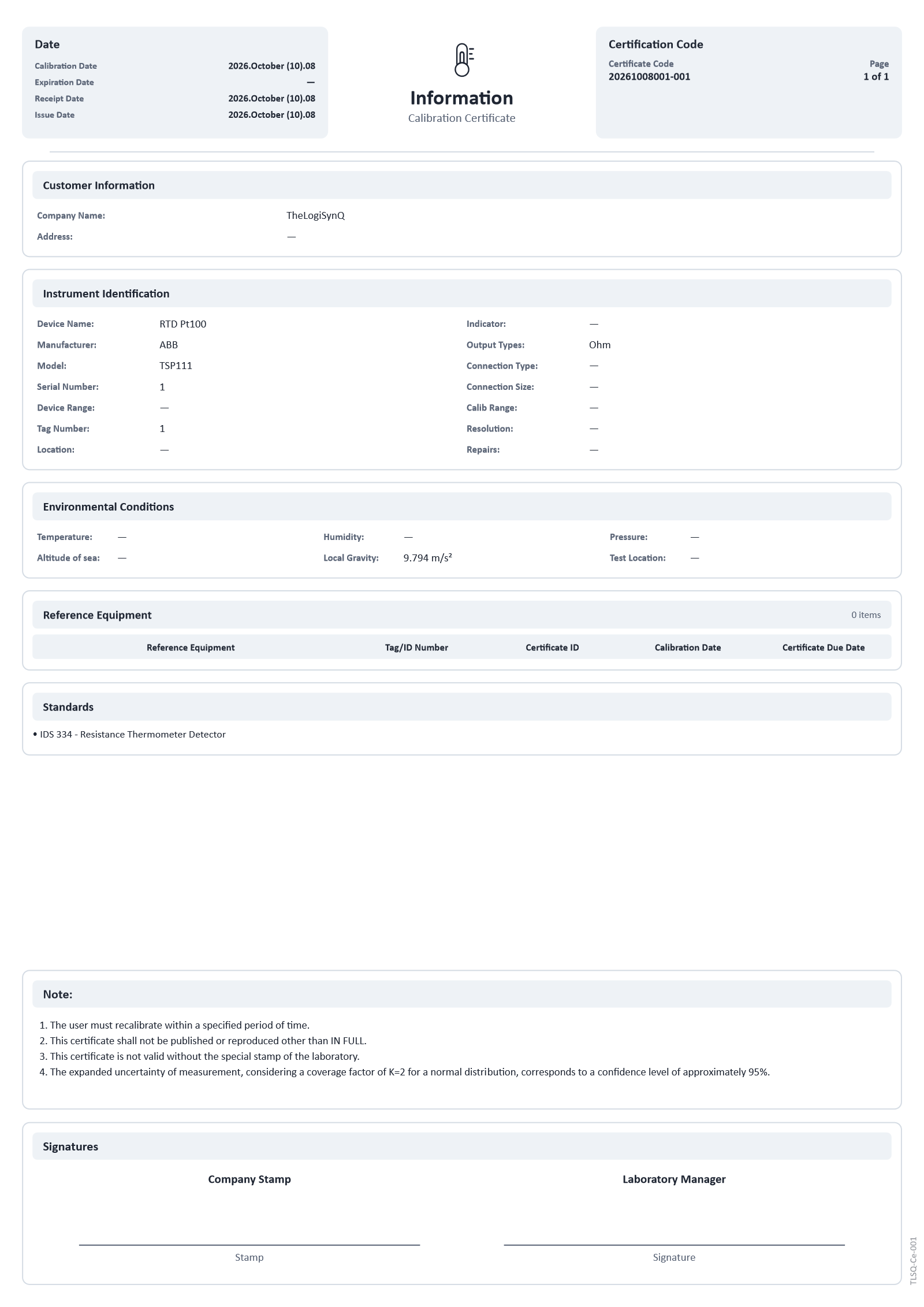
The calibration certificate as the app lays it out: its dates and code, the customer, the instrument's identification, the environmental conditions, the standards and the reference equipment used.
Quality Control
Configuration sets the code, the document code and the storage format of every kind of record. Formulas holds the acceptance criteria, each with its calculation method.
Finance
Pricing gives every instrument type a price, a discount and a currency.
Accounting
Invoices are filed by issue date. Each invoice carries the client, the PO number, the currency and payment terms, and its items with their unit prices.
AI assistant
LogiSynQ, the assistant inside the app
Write to it or talk to it, in your own language. It works inside TheLogiSynQ on Windows and Android, with the same reach you have.
-
Full access to the app
It does anything you can do, on any page: fills forms and tables, opens records, changes settings. A deletion still waits for your confirmation.
-
Handwriting recognition
Send a photo of handwritten readings, in Persian or English, and each value goes into its exact cell.
-
OCR of typed drafts
Printed and typed drafts are read the same way, with nothing typed twice.
-
Talk to the app
A live voice conversation, hands-free from a spoken wake word: say what you need and hear the answer.
-
How was this calculated?
Ask about any result: it explains the cells, formulas, units and uncertainty behind it, citing the source and page.
-
How do I calibrate this?
Ask about a calibration method, a standard or a manufacturer's data; it searches and names its sources.
-
From photos to the intake list
From photos of the instruments it fills the In/Out list, counts them and asks only for what is missing.
-
In your language
It answers in the language you write or speak.
Under the hood
Offline first, safe online, ready for the whole lab
-
01
100% offline
Every page, calculation and document works with no connection at all.
-
02
Your data on your own drive
Kept on your Google Drive, OneDrive or iCloud, sealed before it leaves the device.
AES-256 · HMAC-SHA256
-
03
Five devices, one account
All in step at once: no file lost, none written twice.
Transactional outbox · idempotent operation IDs · last-writer-wins with field-level merge · tombstones
-
04
Sharing without internet
Windows and Android, straight to each other over the same Wi-Fi or Bluetooth.
Local discovery · TLS over TCP · Bluetooth
-
05
Controlled deletion
Every linked list, certificate and invoice is found first; deleted items wait 30 days to come back.
-
06
Deep search
Inside every record and imported file, down to the page and the sentence.
PDF · Word · Excel · PowerPoint · RTF · CSV · HTML · text
-
07
Daily notifications
Reference calibrations, certificate expiries, equipment still in the lab, certificates to issue, tasks and messages.
-
08
Locked sensitive pages
A PIN, a password or Windows Hello before a chosen page opens.
PBKDF2-SHA256 · DPAPI
-
09
Categorized logs
Every action filed by where it happened and how it ended: success, failed, rejected…
-
10
In your company's style
Logo, fonts, card tones, table designs and the chart model of every certificate.
Line · Smooth Curve · Points · Columns · Area · Uncertainty Bars
Certificates
Real certificates, printed by the app
Both pages were produced by TheLogiSynQ itself, one printed from Windows and one exported from Android. Every certificate carries the same structured sections.
- Calibration, receipt, issue and expiry dates
- Certificate code and page numbering
- Client and instrument identification
- Environmental conditions, including local gravity
- Reference equipment with certificate and due dates
- Standards, notes and signatures
Download
A full calibration labon your deskin your pocket
One app on Windows and Android, with the same records on both.