
Calibration software & solutions
Calibration certificates, from intake to issue.
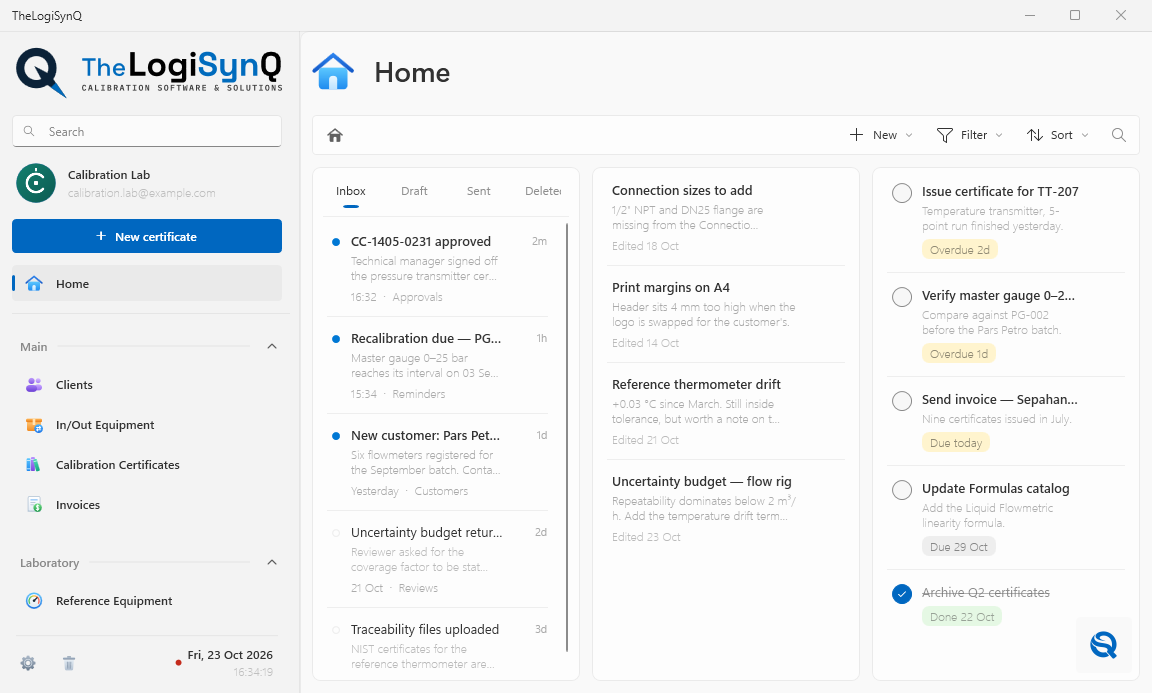
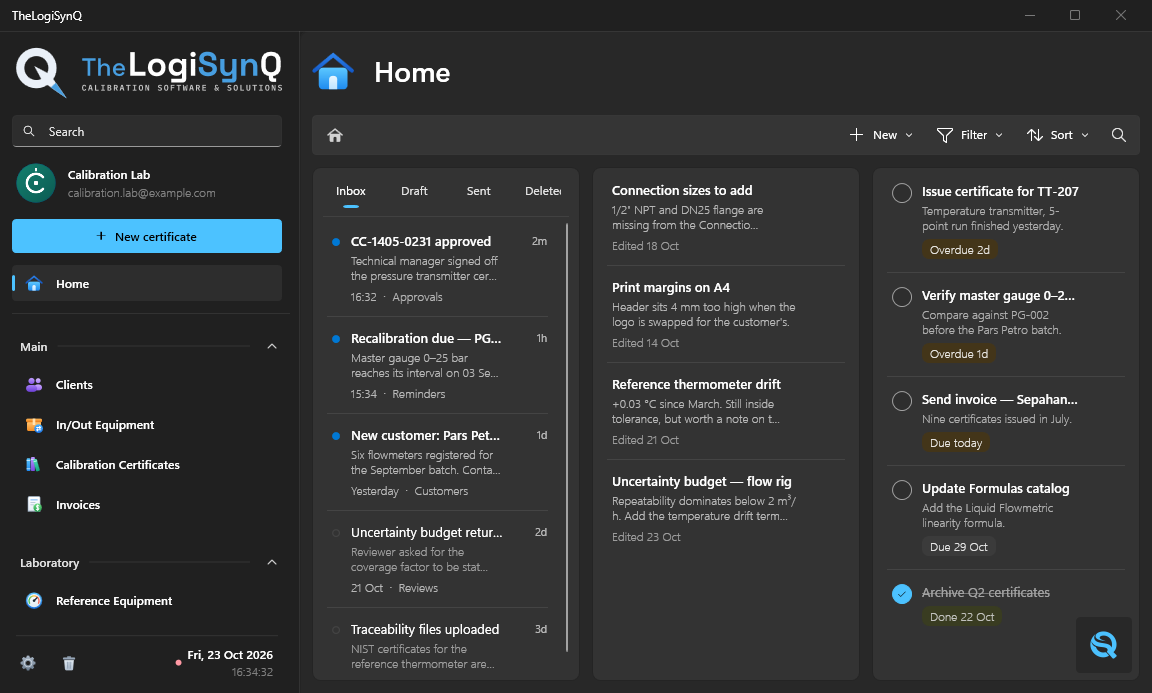
TheLogiSynQ integrates the technical, quality, and financial aspects of an instrumentation laboratory into a single application—encompassing uncertainty budgets, acceptance criteria, reference equipment, client management, invoicing, and the certificates themselves—all in full compliance with the ISO 17025 standard.
- Windows 10 & 11
- Android 12 or later
- Works offline


Unfolded · large-screen layout
Tap the phone to fold it
Across industries
Wherever measurements matter.
Wherever an instrument keeps a process running, TheLogiSynQ keeps its calibration under control. One application, from the production floor to the reference lab.
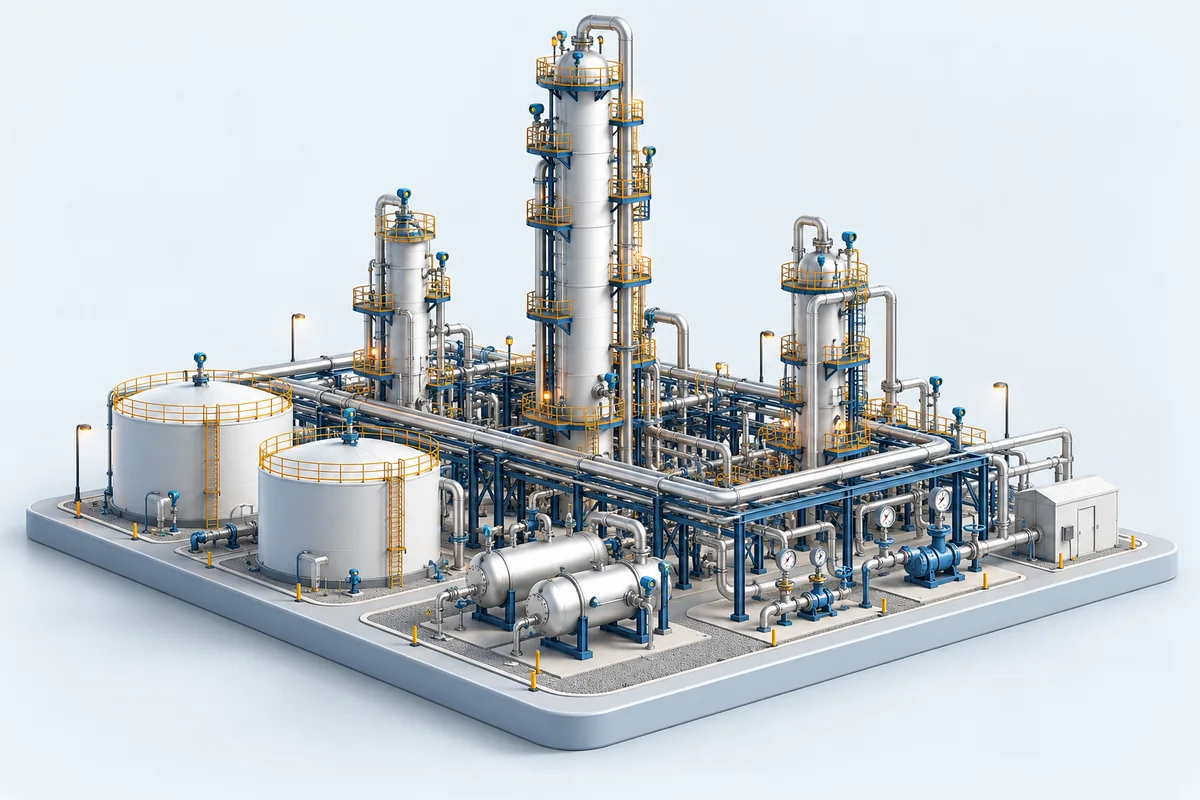
Energy & process
Refineries
Keep pressure, temperature and flow instruments on a traceable calibration schedule, from process units to the maintenance workshop.
Pressure · temperature · flow
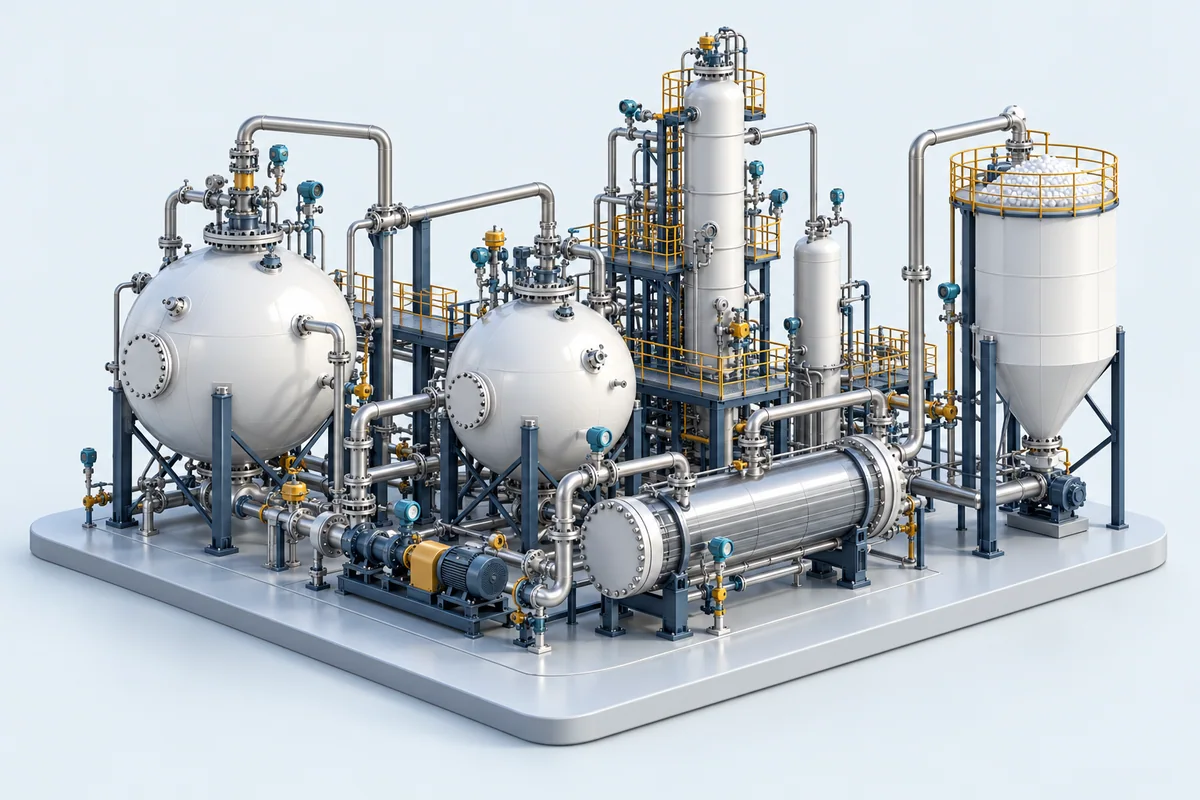
Energy & process
Petrochemicals
Bring calibration records for reactors, process lines and utilities together, with instrument histories ready for the next shutdown.
Transmitters · gauges · sensors
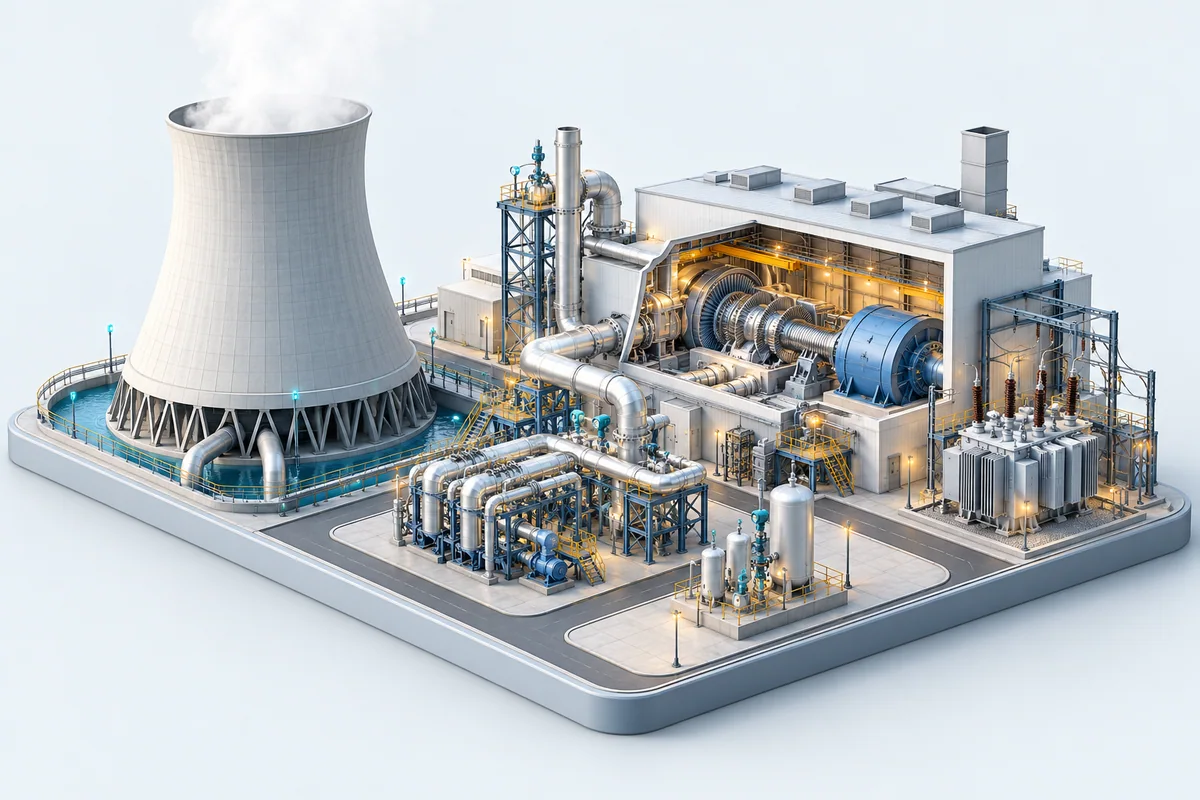
Energy & process
Power generation
Keep the measurements behind turbines, boilers and plant utilities connected to their reference equipment, results and certificates.
Temperature · pressure · electrical
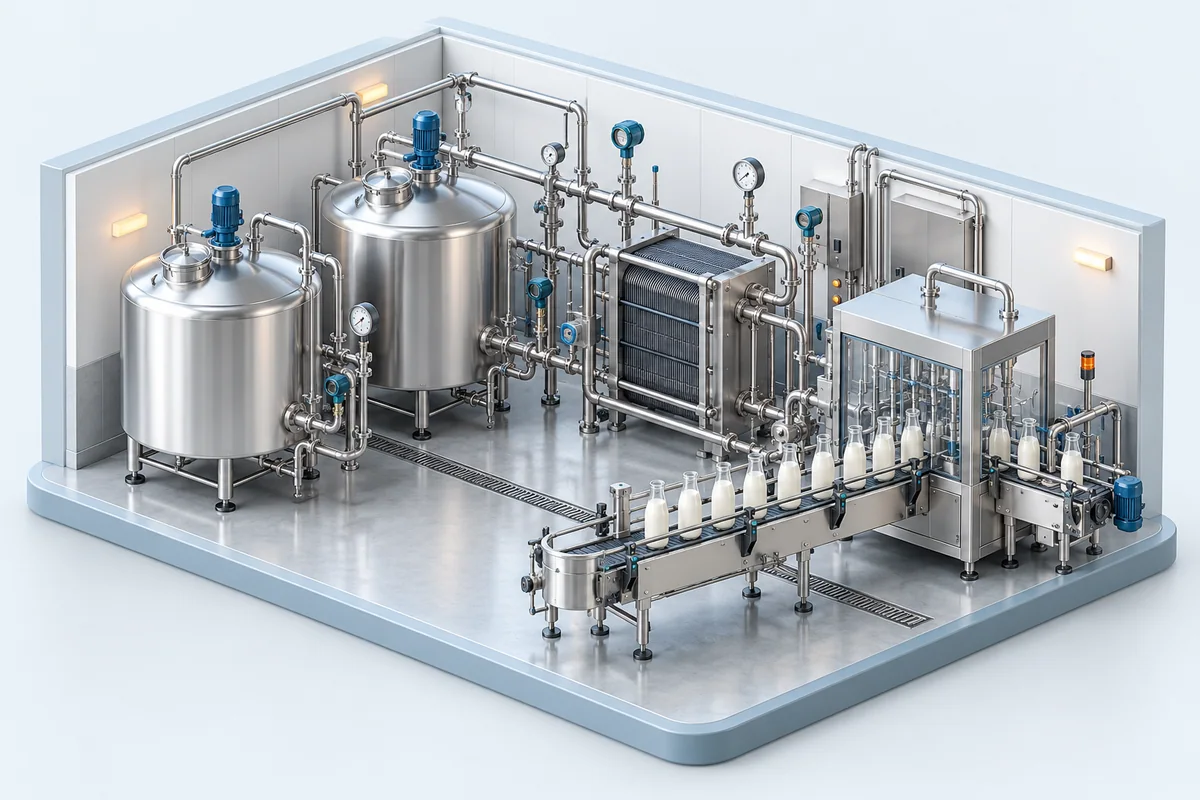
Production & quality
Food & beverage
From pasteurization to cold storage, keep the calibration of production and quality-control instruments documented and easy to follow.
Temperature · mass · humidity
Production & quality
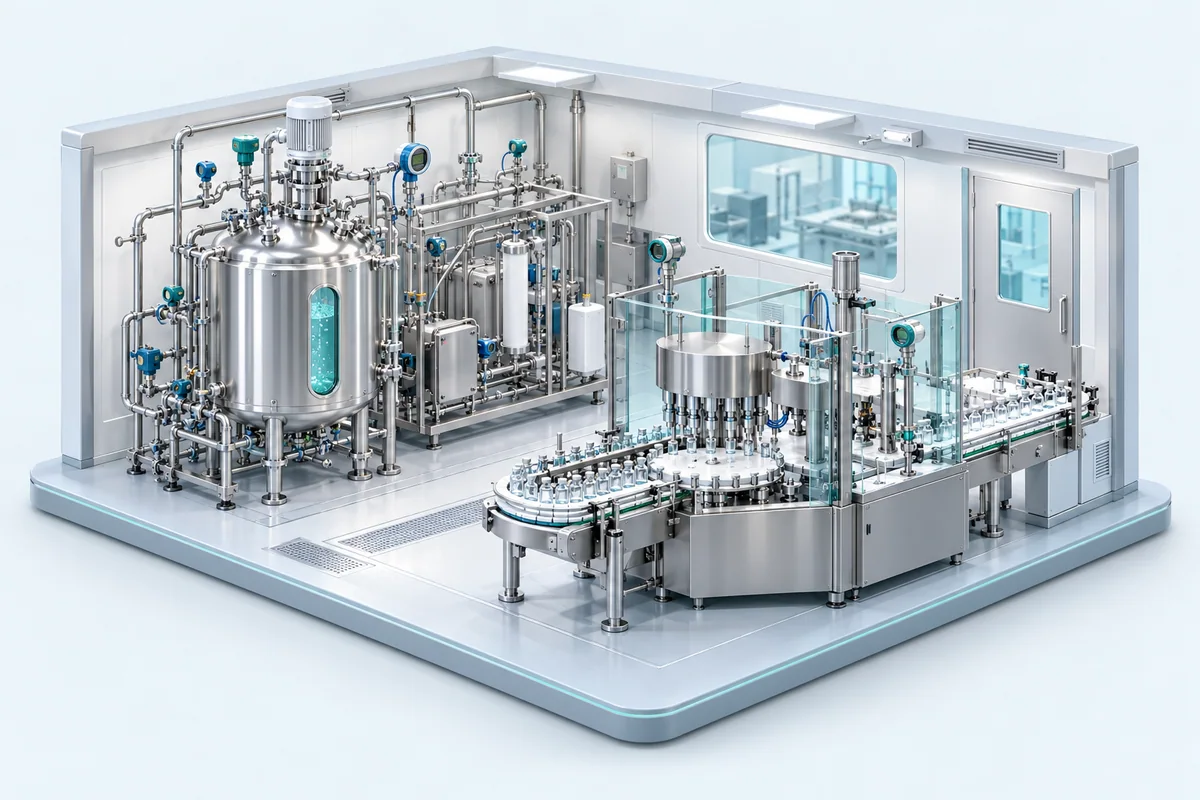
Pharmaceuticals
Organize calibration evidence for cleanrooms, production equipment and laboratory instruments, with clear records for quality reviews.
Pressure · temperature · humidity
Healthcare & measurement
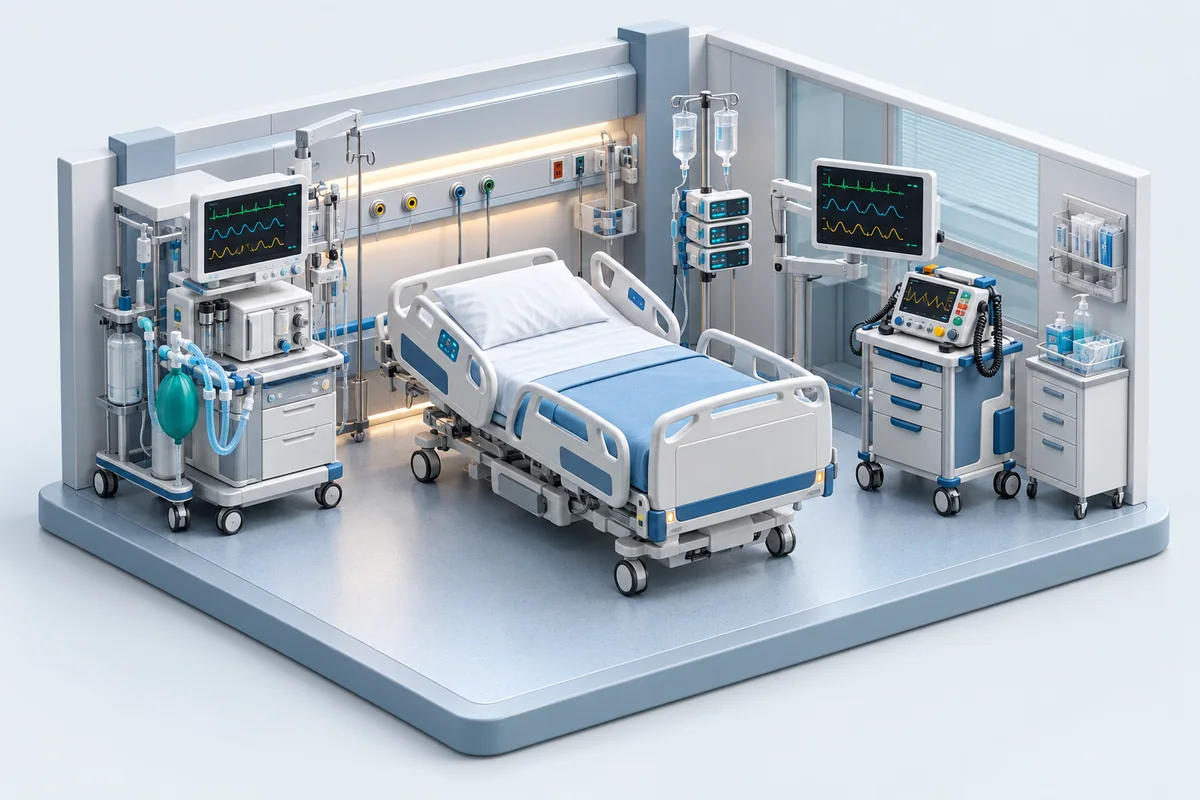
Hospital equipment
Organize calibration records for the measurement instruments behind hospital equipment, utilities and biomedical workshops.
Electrical · pressure · temperature
Resources & environment
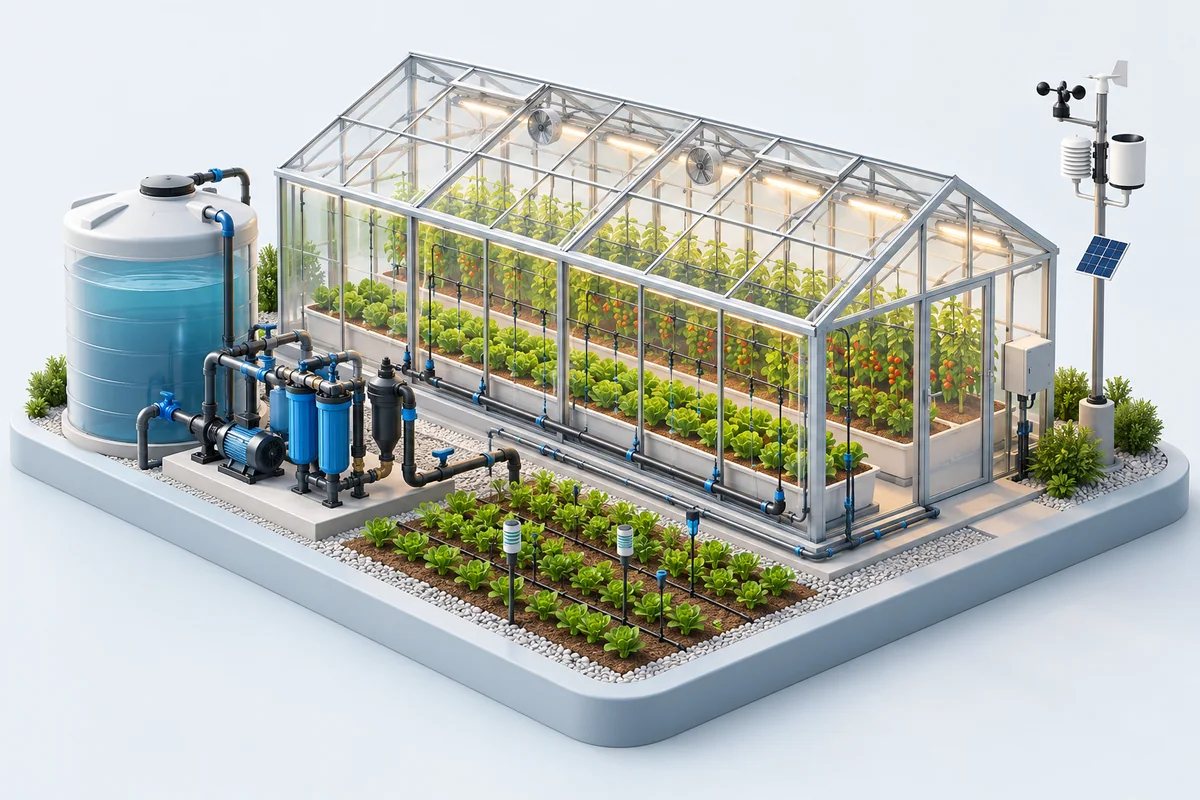
Agriculture
Support controlled growing, irrigation and storage with organized calibration records for the instruments that monitor every condition.
Humidity · temperature · flow
Traceability & collaboration
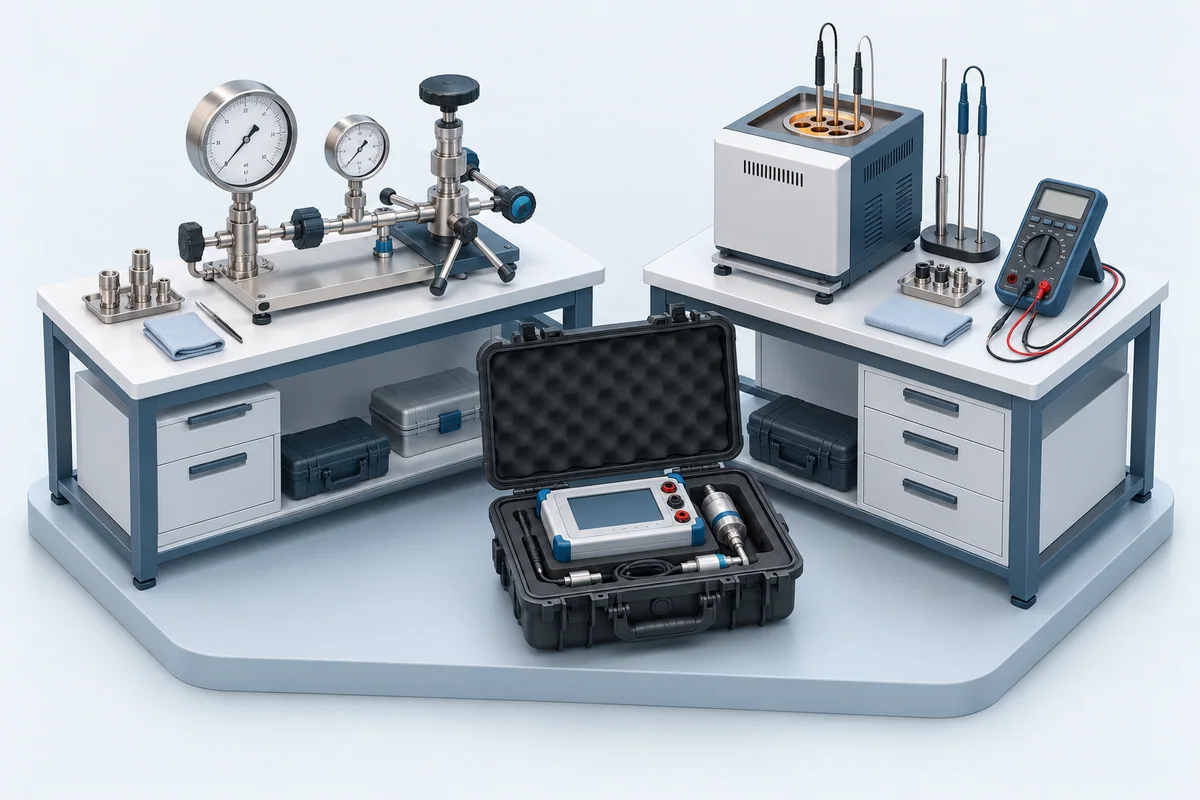
Partner calibration labs
Bring travelling standards, comparison results and calibration certificates together for interlaboratory comparisons and peer audits.
Interlaboratory comparisons · audits
Resources & environment
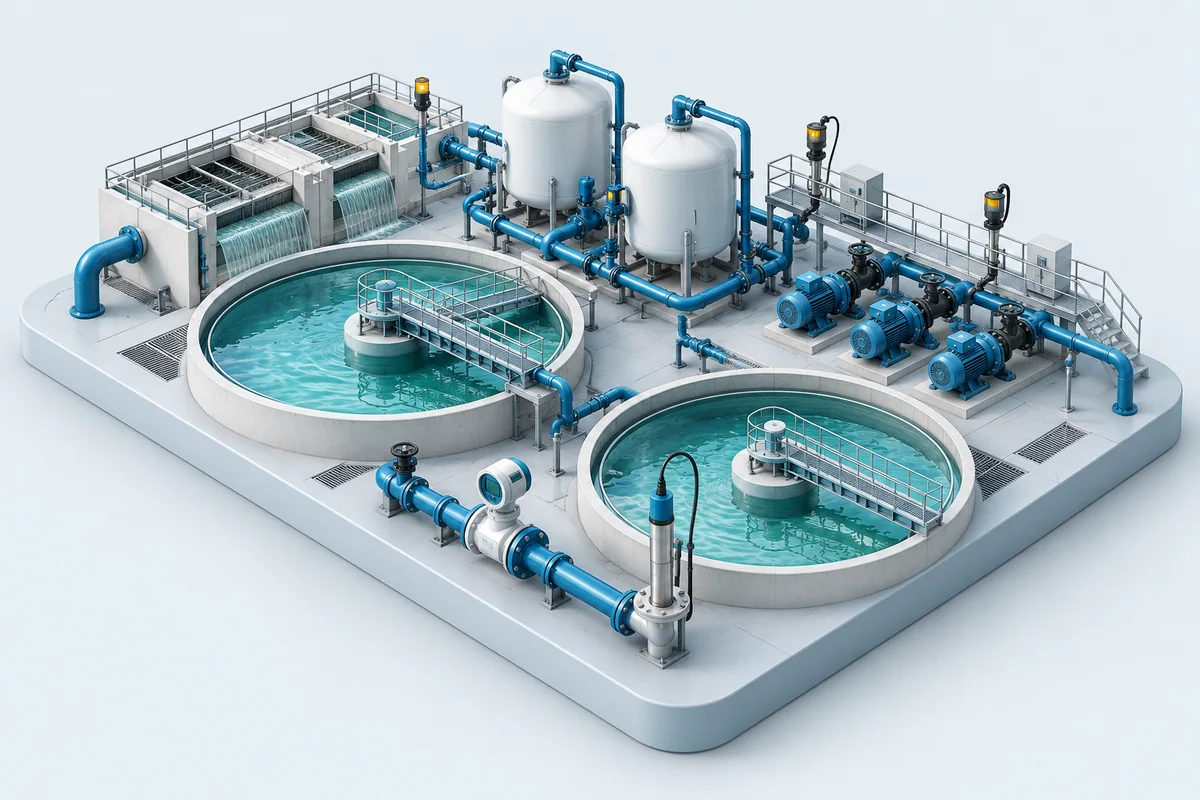
Water & wastewater
Keep calibration histories for treatment plants and distribution networks together, from water-quality measurements to pumping stations.
Flow · pressure · chemistry
Production & quality
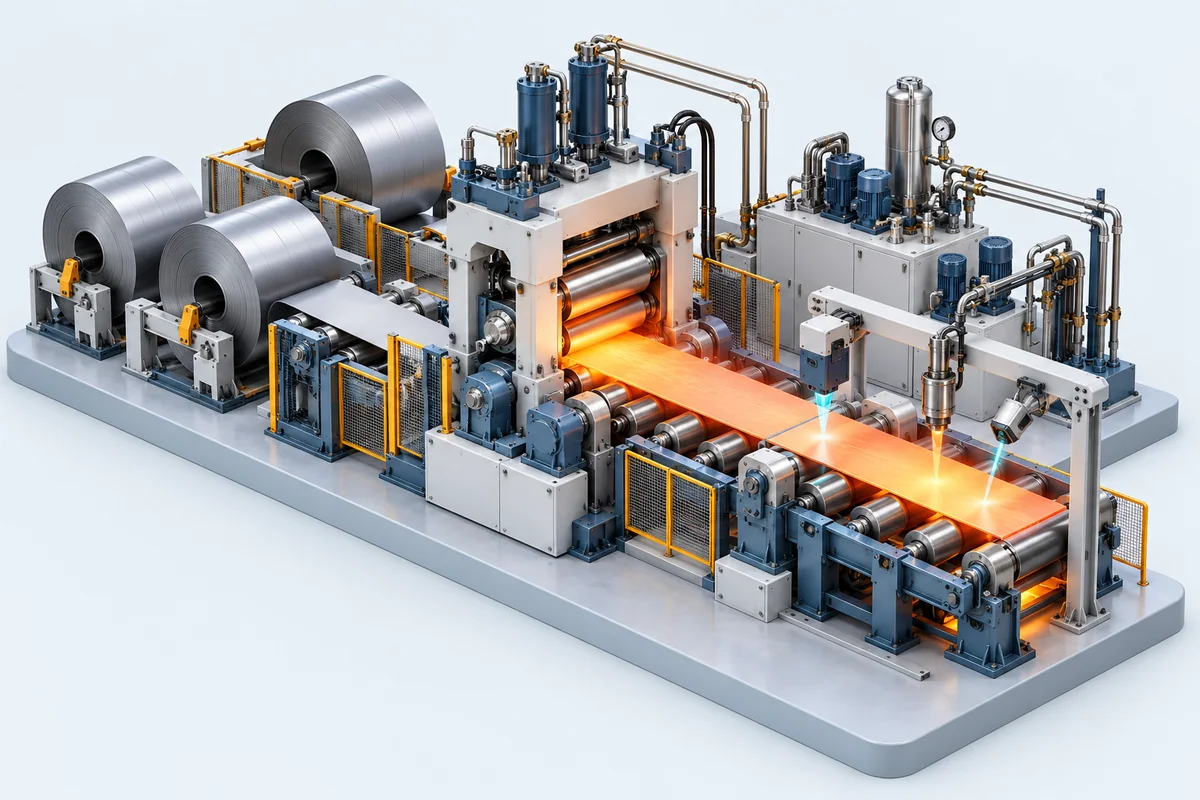
Steel & manufacturing
Connect shop-floor measurements to calibration records across production lines, inspection stations and maintenance teams.
Dimension · force · temperature
Certificates
Real certificates, printed by the app
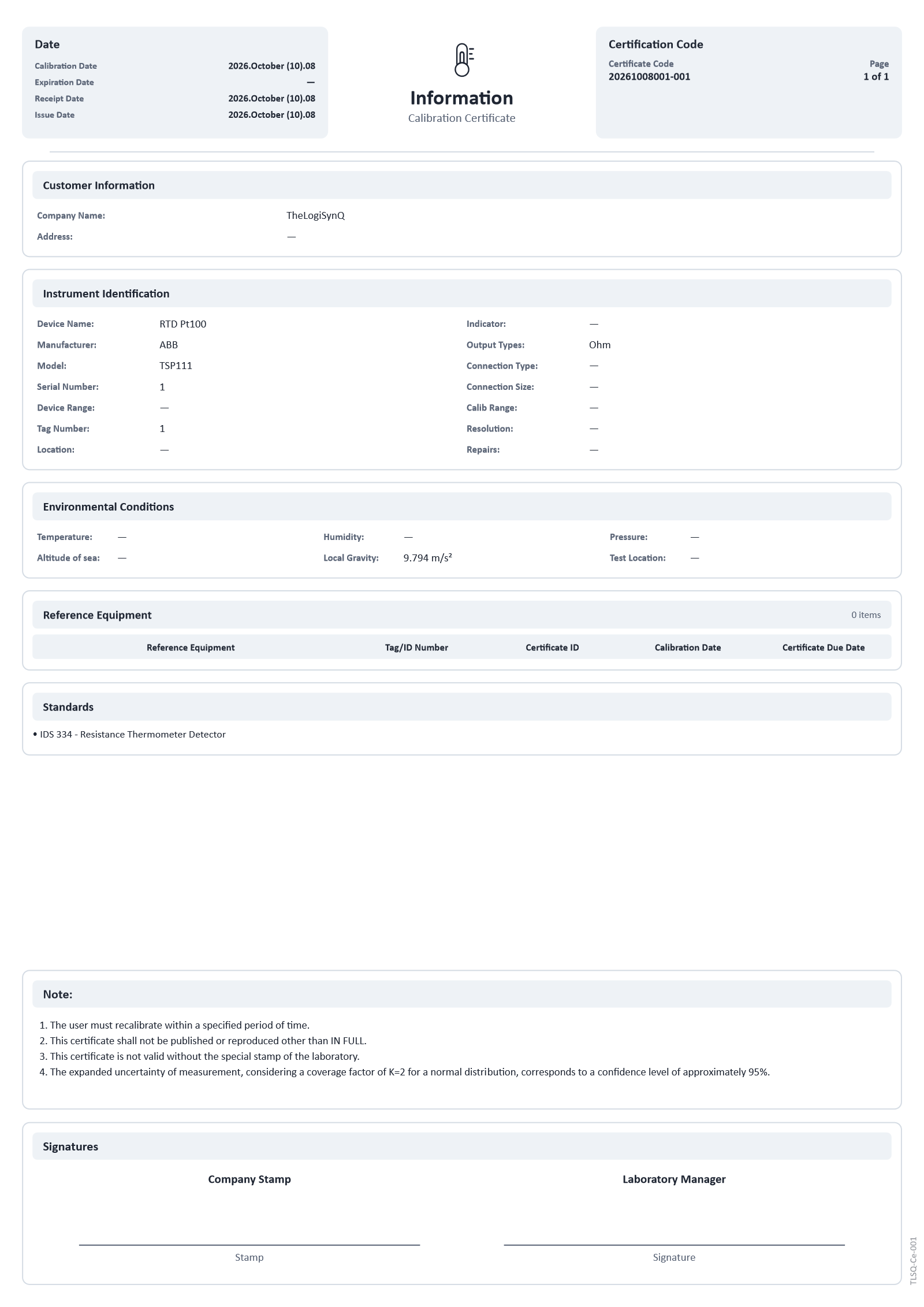
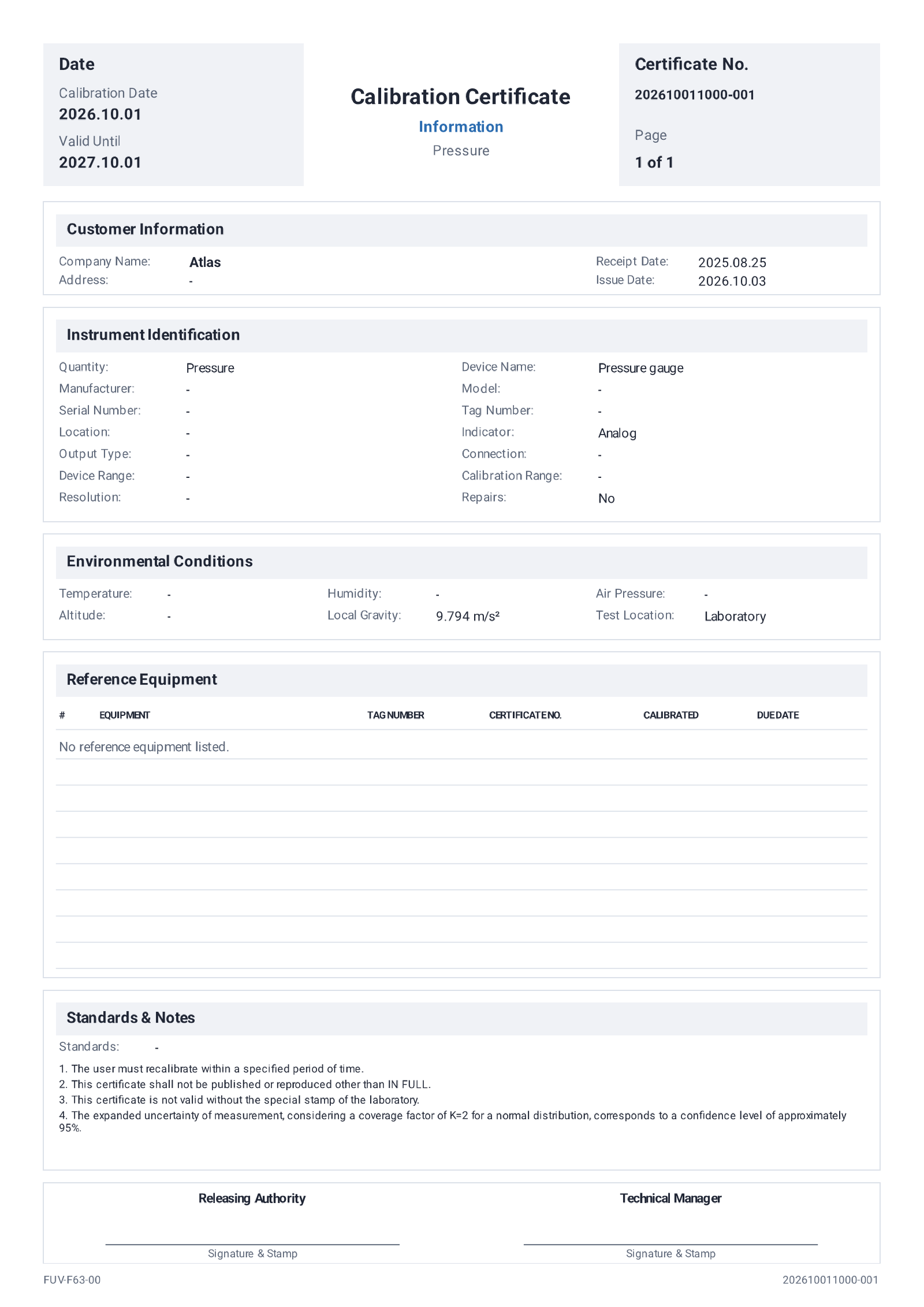
Both pages were produced by TheLogiSynQ itself, one printed from Windows and one exported from Android. Every certificate carries the same structured sections.
- Calibration, receipt, issue and expiry dates
- Certificate code and page numbering
- Client and instrument identification
- Environmental conditions, including local gravity
- Reference equipment with certificate and due dates
- Standards, notes and signatures